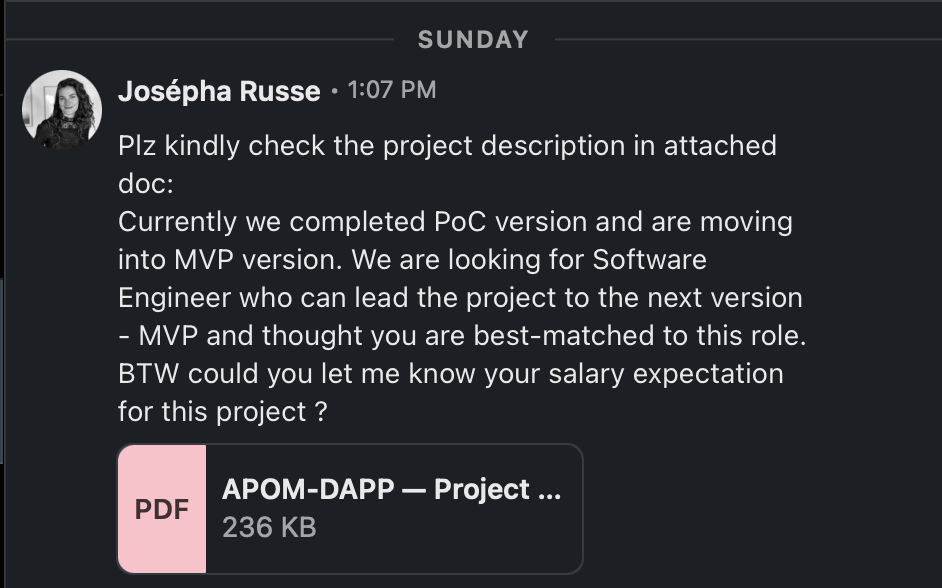
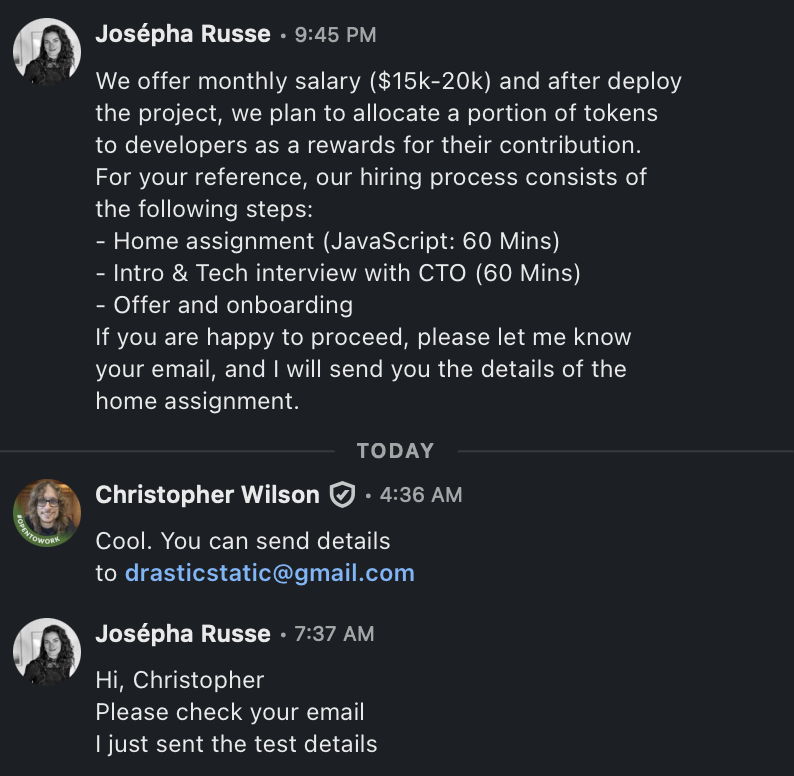
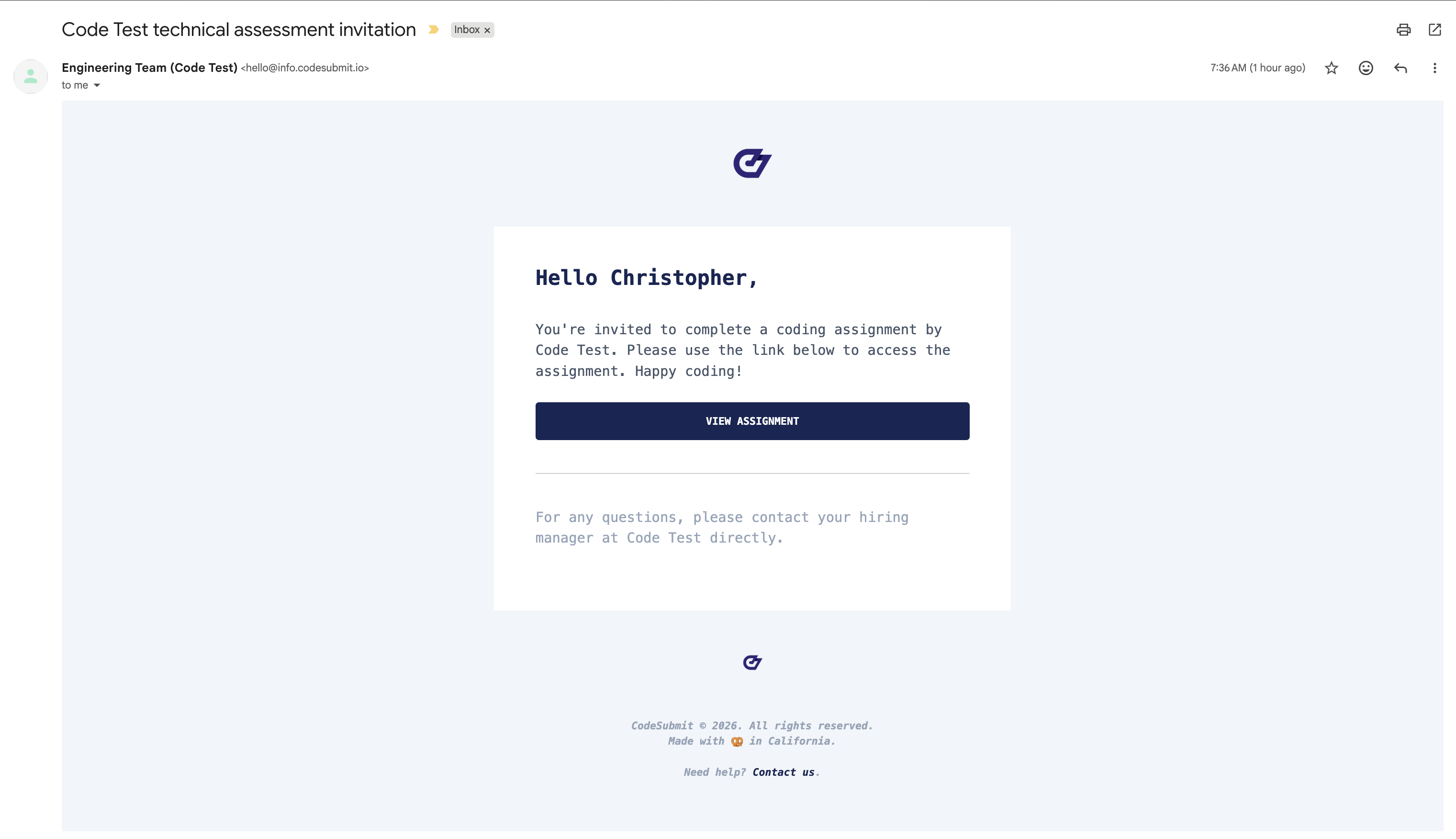
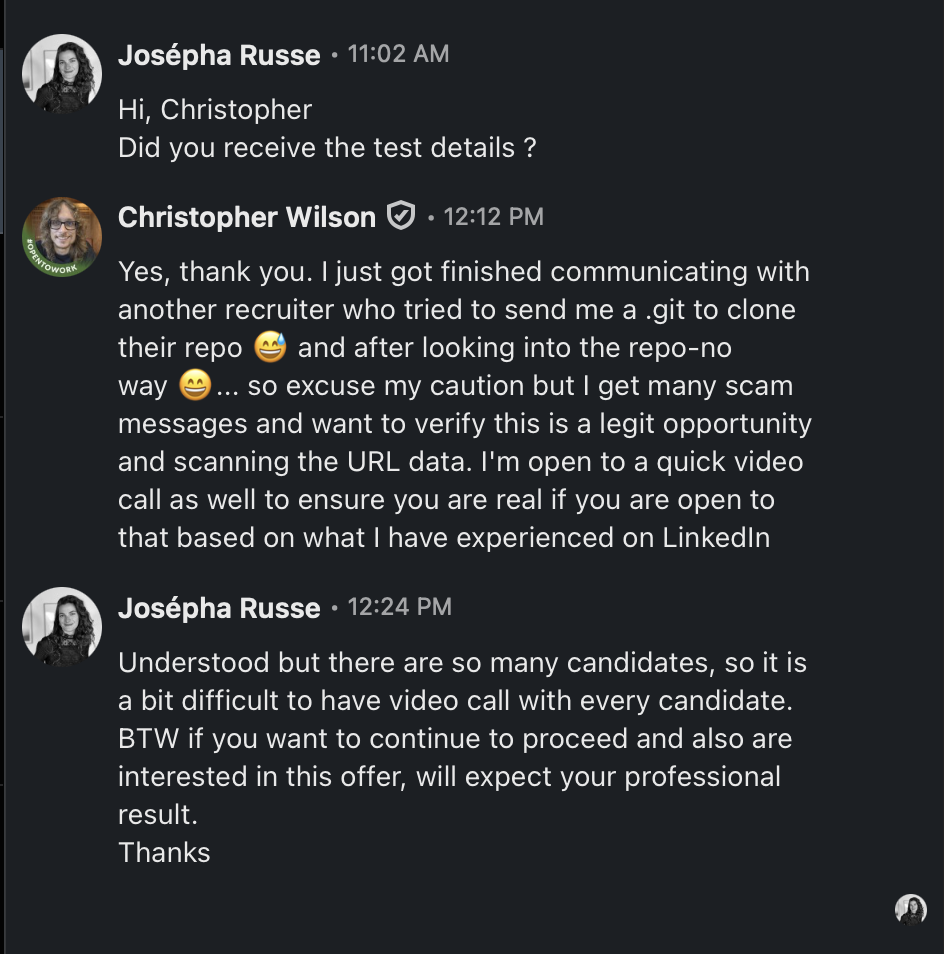
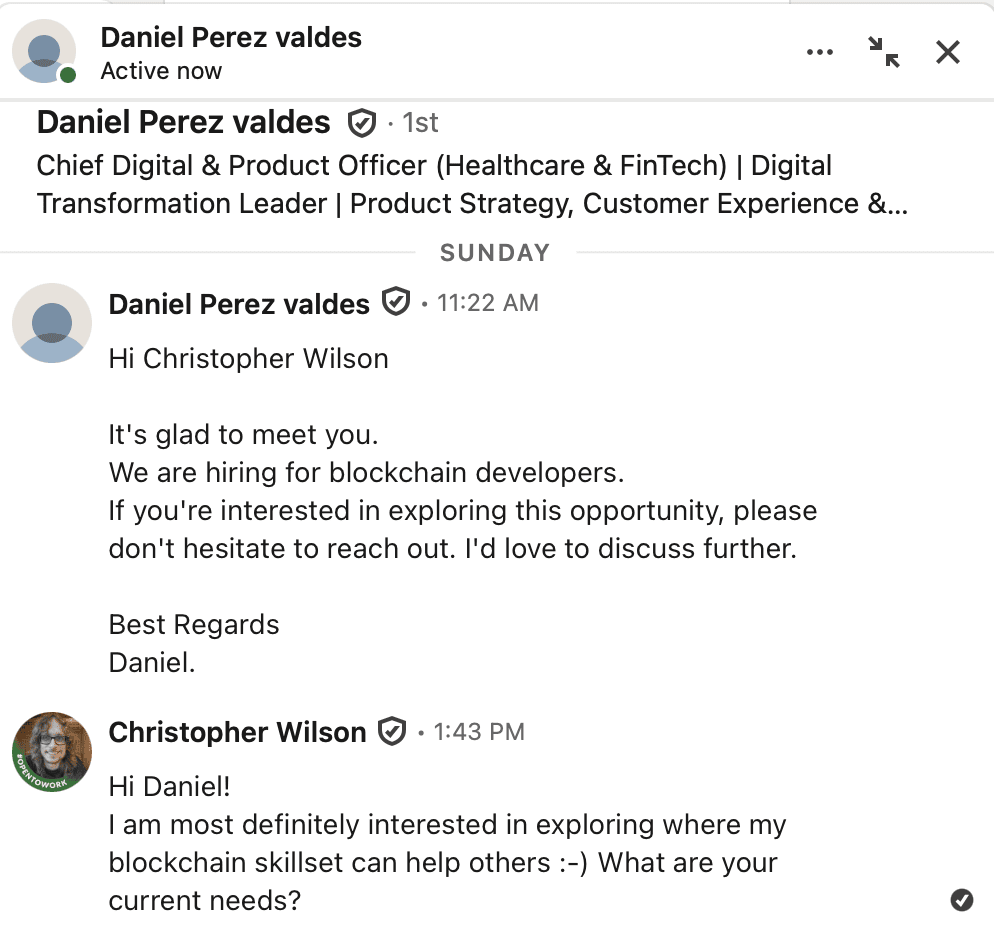
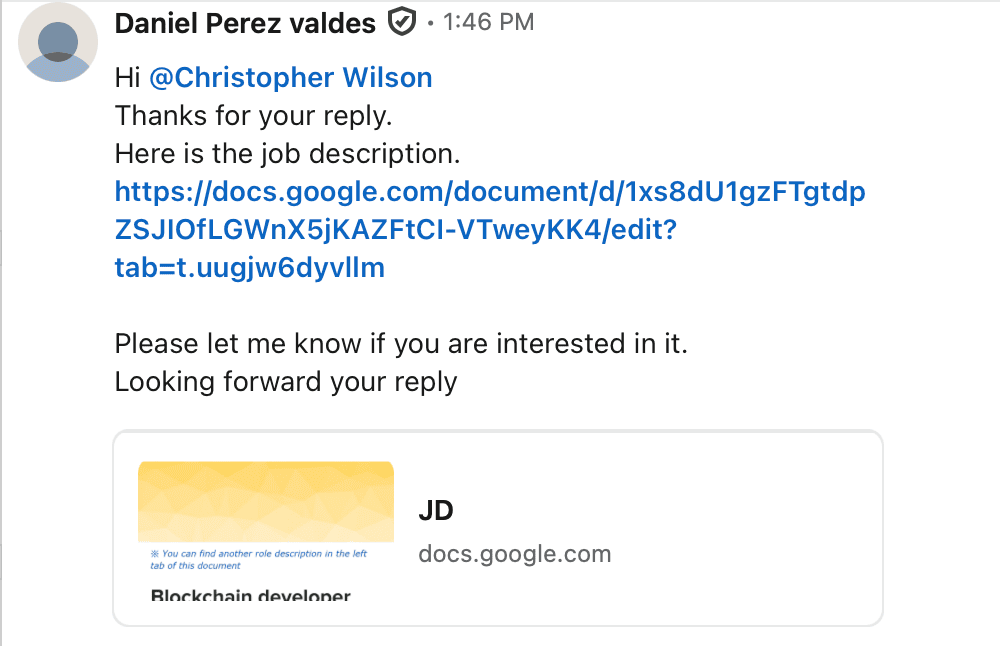
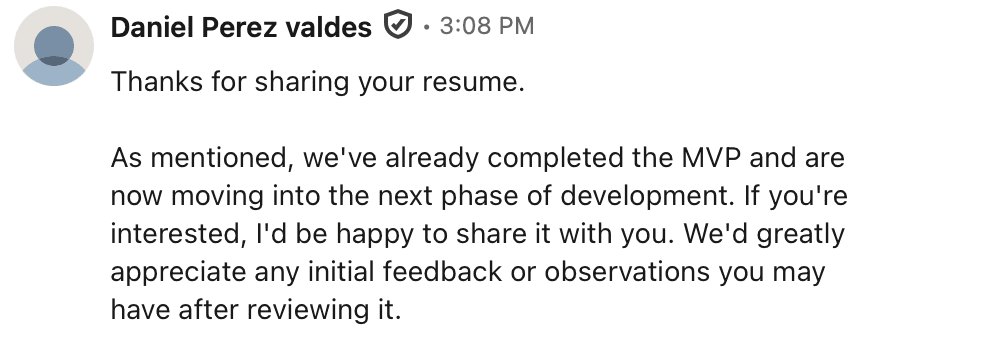
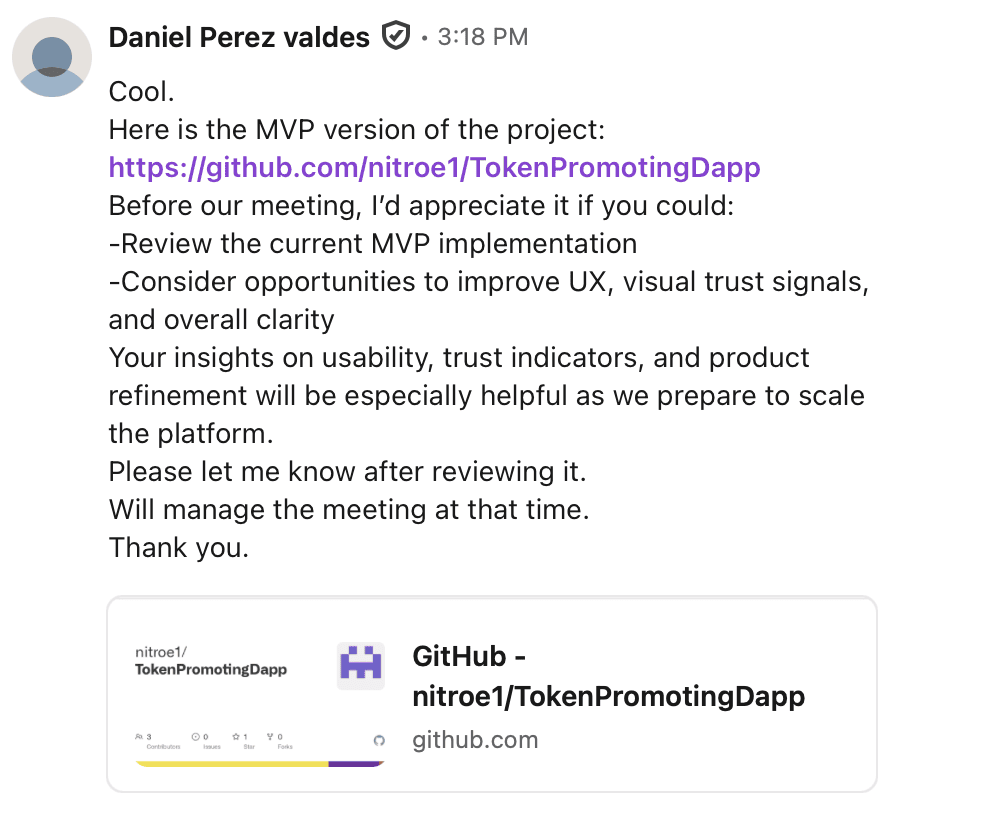
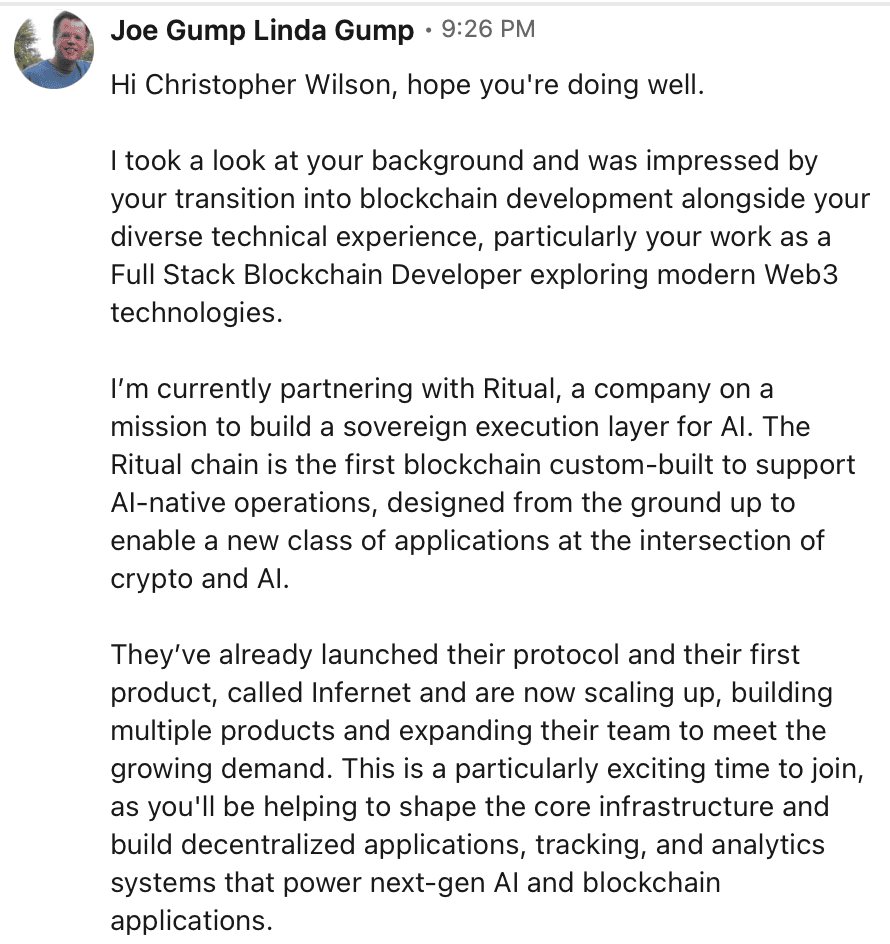
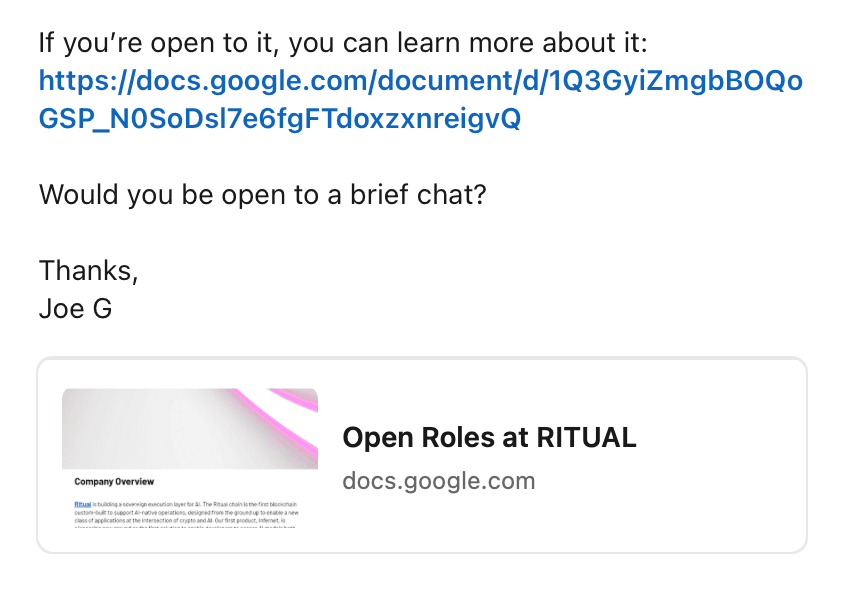
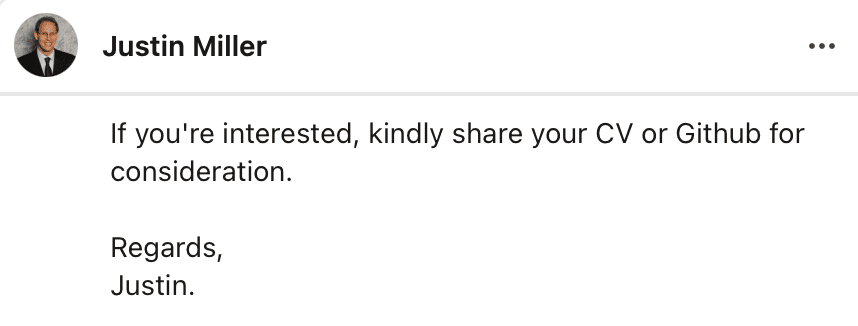
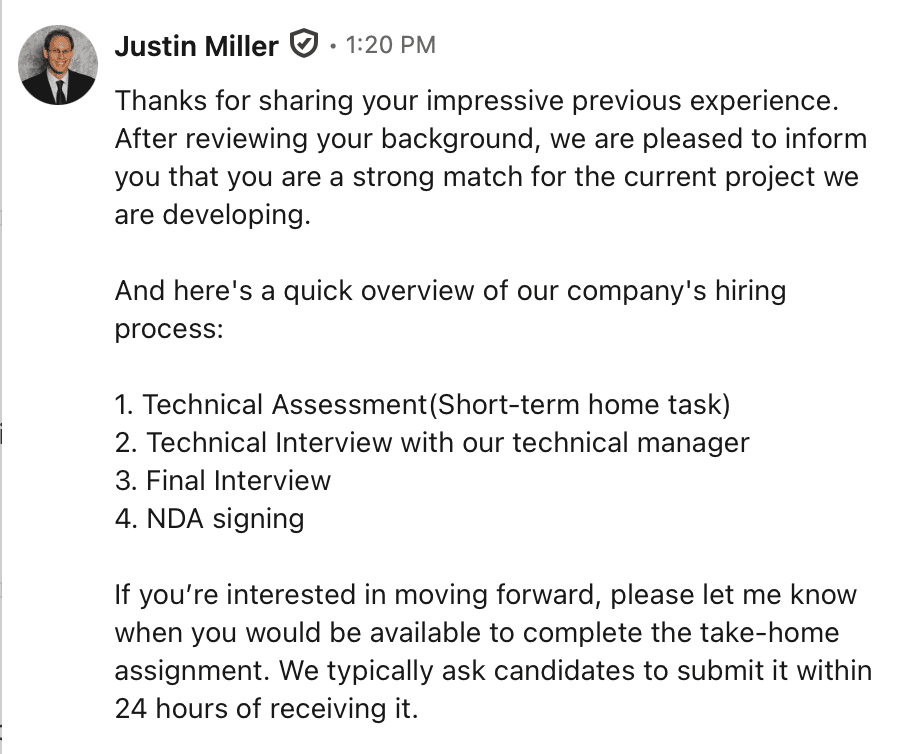
ACTIVE THREAT — LinkedIn Recruitment Scams Targeting Developers

Dev Recruitment
Safeguards

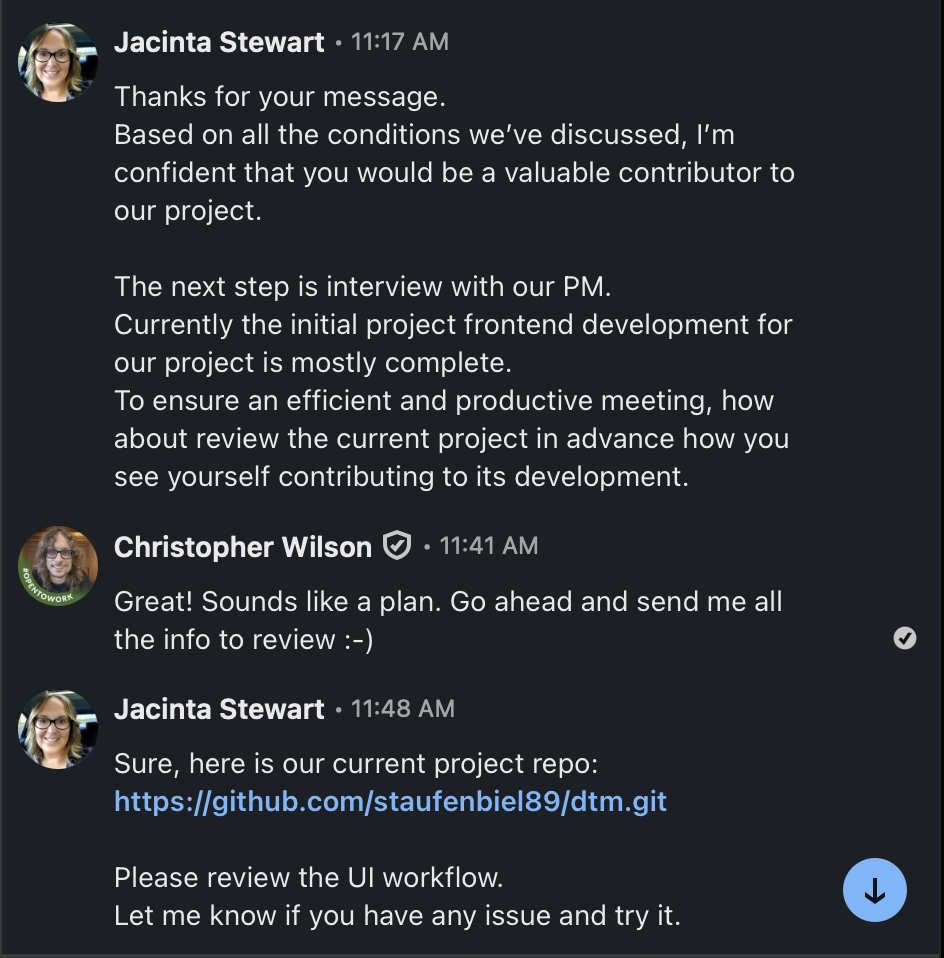
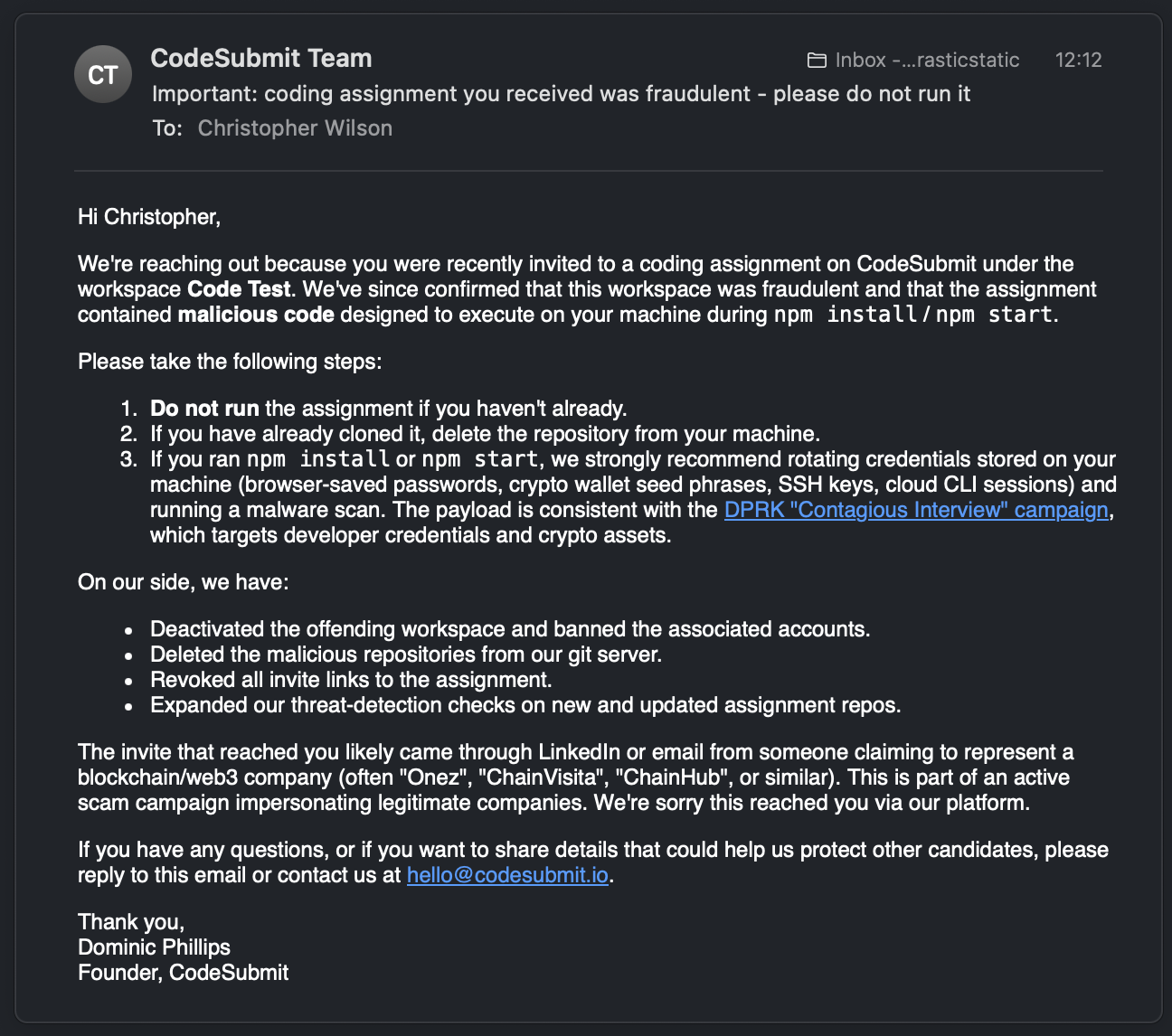
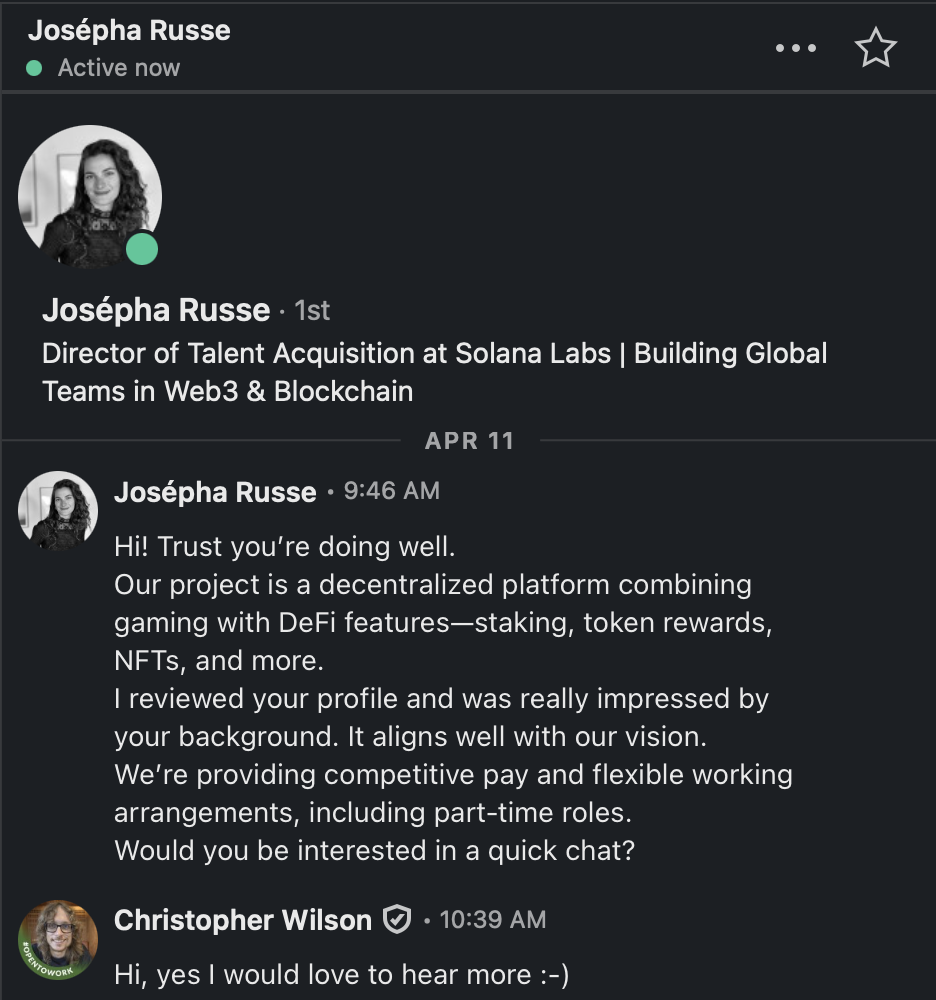
Real-world documentation of sophisticated "long-con" recruitment scams targeting Web3 & fullstack developers on LinkedIn. Eight documented cases — six confirmed, one under active investigation, one illustrative.

8
Documented Cases
0/70
VT Score ≠ Safe
100%
Documented & Vetted
2
Malware Families
⚠️

Security Checklist

Run this before responding to ANY unsolicited recruiter message

🔍
Scan First
Upload any file or URL to VirusTotal.com. Check the Behavior tab for /OpenAction or /JS flags.
🕵️
Verify Identity
Check the LinkedIn "Activity" tab. Dormant accounts with sudden DMs = 🚩. Cross-reference on Twitter/X or Discord.
📦
Sandbox First — Always
Use Apple Preview (not Adobe) for PDFs. Run code tests in Docker or a disposable VM / Codespaces with no access to your host credentials.
📞
Demand a Video Call
Before cloning anything, request a 15-min video. Most malicious actors won't show up. Say directly: "I receive a lot of scam messages and need to verify you're real." A genuine recruiter will understand.
📄
Audit package.json
Before any npm command, open package.json manually. Look for base64 strings or external URL calls in preinstall/postinstall hooks.
🔗
Verify the Domain
Check the recruiter's email domain carefully. Lookalike domains are common (e.g. kurulabs.org vs the real domain). Verify via official social media.
🔁
Cross-Reference the Company
Search the company on Google and LinkedIn separately. If the project only exists in the PDF they sent you — it's a scam.
🛡️
Confirm via Official Channels
Before any technical work, post in the company's Discord or Twitter/X to confirm the recruiter is verified. Real recruiters welcome this.
💡 Remember: A "0/70" score means unknown, not safe. Always check the Behavior tab for network calls, dropped files, and shell commands.
🕵️ Attackers Redact Too — Just Not On Purpose

Every real name on this page stays fully visible in the case studies below — full disclosure is the point of a teaching page like this. But the attackers behind Case #6 tried the opposite: they backdated 194 commits by three months, forged a real Uniswap developer's email onto them, and let a fabricated commit history stand in for the honest record. It didn't hold up — the repo's own created_at timestamp outed the whole timeline as fiction. Tap the entry below to see what their forged commit log claimed, versus what the GitHub API actually recorded:

The claimed author date is real — it's just three months before the repo (and the org that hosts it) existed. Git commit dates are just fields in a file; anyone can set them to anything with git commit --date=. What can't be forged as easily is the platform's own server-side record of when things actually happened — which is exactly what cracked this case open. See Case #6 for the full evidence chain.

📂 Documented Case Studies

Eight attack campaigns — seven real, one illustrative — documented from first contact to full analysis. Click Deep Dive for technical details.

🧪 VirusTotal: Anatomy of a Lure PDF

APOM-DAPP Project Description — vetted safe for analysis

0/70
Detections (main score)
⚠️
But check the Behavior tab!
The main score is NOT a safety certificate. Novel malware won't match any existing signature.
🌐 Contacted Domains
acroipm2.adobe.com
a1672.dscr.akamai.net

Adobe Acrobat IPM & CDN. Normal for a PDF opened in Acrobat.

📡 Contacted IPs (6)
8.8.8.8Google DNS
52.5.13.197AWS/Adobe
23.195.81.59/73Akamai
184.29.30.201Akamai
23.39.148.131Akamai

All US-based Adobe/Akamai infrastructure.

📁 Dropped Files (13)
1 × .zip✓ Clean
12 × cache files✓ Clean

PDF reader temp/cache. No .exe, .dll, or .ps1. In a malicious file, look for .exe/.dll here ⚠️

🎓 The Lesson

This specific PDF contacted only Adobe's own servers — standard Acrobat behavior. In a malicious PDF, these same fields would show C2 server connections, dropped .exe files, and shell command execution. Learn what normal looks like so you can spot abnormal.

🛡️ Your Defense Playbook

Practical steps to neutralize each attack vector

🍎

PDF: Use Apple Preview

Preview has zero JavaScript support. /OpenAction and /JS scripts simply don't run. Never open unsolicited PDFs in Adobe Acrobat.

🐳

Code: Docker / Codespaces

Run ALL technical tests with no host volume mounts and no env vars passed in. GitHub Codespaces = instant browser-based sandbox with zero access to your local machine.

🔎

VSCode: Check .vscode/

Before opening a cloned repo in VSCode, check for .vscode/tasks.json. A runOn: folderOpen task executes before you run any code.

📹

Always Request Video

Before any technical work, request a 15-min video call. Real recruiters welcome it. Bots and scam ops ghost immediately or cite camera problems.

🌐 This Isn't Isolated

Independent research confirms the same playbooks documented above, at scale, across the industry

$17B
lost to crypto scams industry-wide in 2025
1,400%
year-over-year growth in impersonation-style attacks
7
independently confirmed distinct vectors, documented on this page

📖 Confirms the Pattern

Sources cited for educational cross-reference. Verify current figures independently before citing elsewhere — scam-loss statistics are updated frequently by their originating research organizations.